Feed the Scorchpot System Requirements
A light Windows tabletop. If you can run Steam, you can probably feed the dragon.
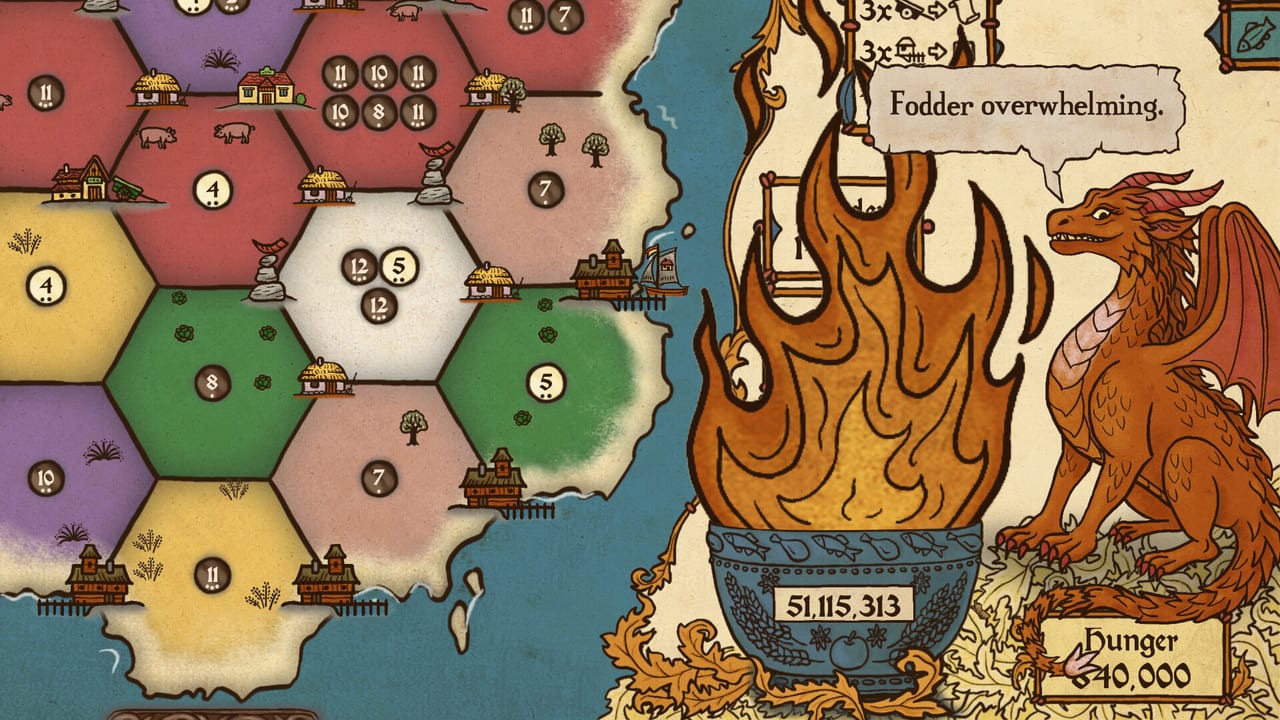
Feed the Scorchpot is a 2D tabletop roguelike, not a ray-traced siege. The live paid build this wiki covers is Windows via Steam, with itch.io as a second PC storefront. Steam still warns that its client needs Windows 10 or later even when a game lists an older OS line.
Confirm the live chart on the Steam store page. Numbers below are the public minimum at launch.
Minimum (Windows)
- OS: Windows 7 or later listed on the store card; use Windows 10 or 11 with current Steam.
- CPU: Intel Core i3 or better.
- Memory: 2 GB RAM.
- GPU: Intel HD 4000 or better.
- Storage: about 700 MB (store text has listed 400-700 MB; leave a gigabyte free so Steam can patch).
There is no Mac or Linux depot in the launch appdetails payload. Do not expect a Proton guarantee from this page; if you experiment, you are on your own and still playing a single-player game.
What those numbers mean in practice
This is a board, dice, and hand-drawn sprites. Integrated graphics from the last decade should hold a 1080p desktop. The heavier limit is your attention span, not VRAM. If the UI feels small, that is a resolution and scaling issue, not a missing RTX card. See Controls for mouse-only and controller notes, including Steam Deck as a pad-first target.
Save-anytime and Steam Cloud are listed. You can close the lid. You cannot host a friend. There is no extra-player mode to spec a second machine for.
Languages
Steam lists interface and subtitles for English, German, Spanish (Spain), Czech, French, Korean, Simplified Chinese, Japanese, and Traditional Chinese. English also has full audio. This wiki ships English, French, German, and Spanish pages. We skip Simplified Chinese on the wiki by policy even though the game includes it.
If a UI language is missing in your copy, check the Steam launch option. The dragon’s voiced tutorial is the audio you actually notice.
Other platforms
itch.io is live for PC. GOG, Epic, iOS, and Android were announced as later storefronts. When they ship, their spec sheets may differ. Until then, buy the Windows build if you want the contract today. Demo app 4338170 is the free slice if you want to test the machine before paying.
Troubleshooting that is not a GPU problem
- Overlay covering shop cards: disable an extra overlay, then try Steam Input.
- Cloud save fighting a second PC: let Steam finish the sync before you roll.
- Tiny text: lower resolution scaling in Windows, not a texture pack. There isn’t one.
- “I cannot harvest”: that is a Mark, not a driver. Open How to Play and Dice Odds.
If the game will not launch at all, use Steam’s verify files and the support mail on the store page. This wiki does not replace official support.
For the purchase link and Discord, use the Links Hub. For whether the game is worth the disk space, the review. For the campaign itself, the Guides Hub.
Steam Deck and handheld notes
Moravian did not ship a separate Deck depot in the launch payload. Treat it as a Windows game on a handheld: official controller layout first, trackpad as a mouse for fussy shop cards, TDP low because the art is 2D. If text is small, that is scaling, not a missing 4K pack. Heat should not be the limiter; battery will last a contract if you are not streaming.
Do not buy a new GPU for this title. Buy it if an i3-era laptop can still install Steam. If that laptop cannot, the bottleneck is the OS client, not the Scorchpot. The demo is the free proof. If the demo stutters, 1.0 will not magically grow a performance slider.
Family Sharing is listed. That is a Steam feature, not a second campaign. Still single-player. Still one dragon.
Frequently Asked Questions
Quick answers to the most common questions.
Can I run Feed the Scorchpot on a laptop with Intel HD 4000?
That is the listed minimum GPU. Expect 1080p board game frames, not cinematic settings, because there are none.
Is there a Mac version?
Not in the launch Steam depots. The paid build this page covers is Windows.
How big is the install?
On the order of 400-700 MB. Leave extra space for patches.
Does it need an internet connection?
Steam needs to be happy once. The campaign is single-player. Cloud saves want a connection when you swap PCs.